Bryce Notes - 4/17/2000
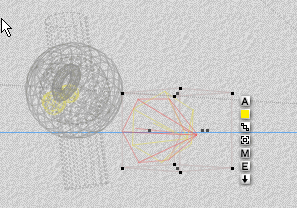
Select a light object and then click the E box associated with it.
This brings up the light controls.
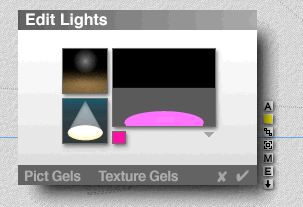
The little box (purple above) allows you to select color. The other
areas allow you to change intensity and something like focus. There
is also triangle with additional attributes. Click in one of the smaller
boxes to the left and move the mouse left and right to vary the setting.
To create a "family" select the objects you want to put in the family,
then go to the
menu below.
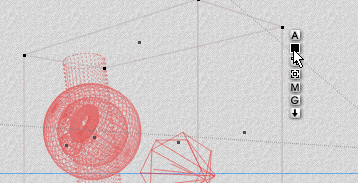
Then click on the associated box as shown below. You can
then select the color for this family.
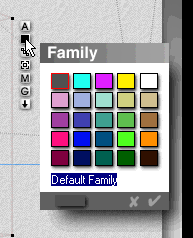
Later, to select a family, first bring up the selection menu at
bottom of the screen by clicking on the "globe" icon on the lower
right:
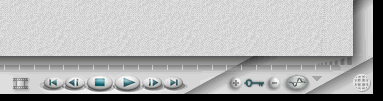
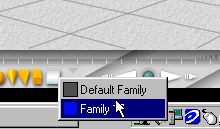
Then click on the "family" icon to bring up a list of current families. Pick one !
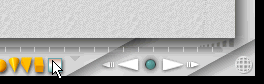
Solo allows you to temporarily hide the wire frames from a scene:
To do this, first, select the object you want to keep. All others will be hidden.
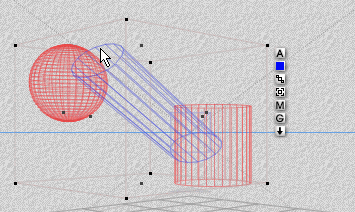
Then bring up the selection menu (see "globe" mentioned above),
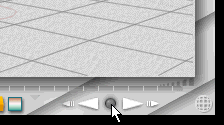
And click on the button in the middle of the VCR controls:
The unselected objects will disapear.